
Improve Your Test Automation Productivity with VS Code Extensions
VS Code extensions are powerful tools that can enhance your work and make you more productive. They can help you write better code, catch errors, and improve your workflow. Let's dive in!
Playwright snippets kit
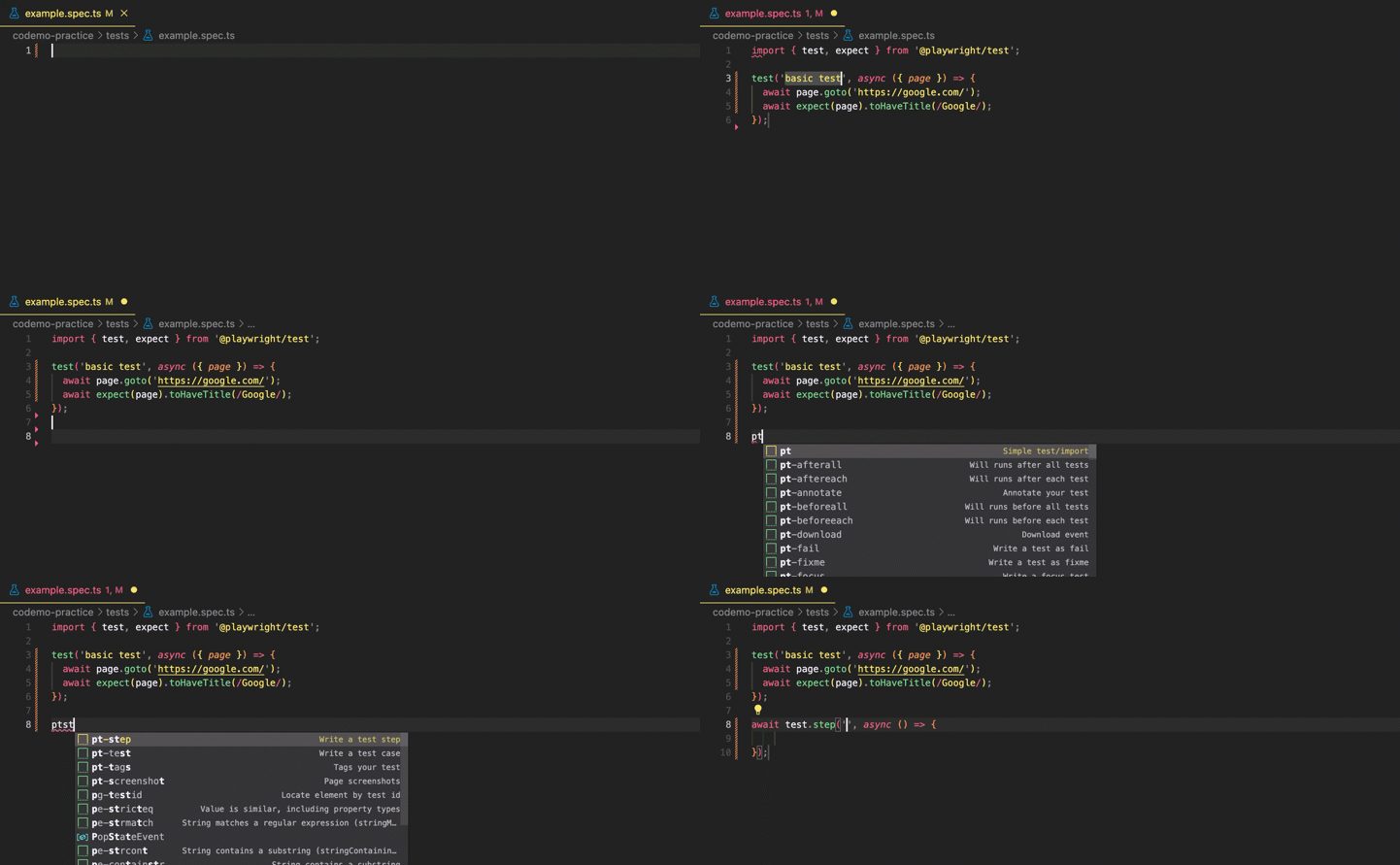
This extension, written by me, helps speed up writing test cases 🎉. Playwright snippets kit provides a collection of useful code snippets for Playwright. You can use these snippets to quickly generate code for common test cases, such as interacting with elements, assert conditions, and more.

IntelliCode and IntelliCode API Usage Examples
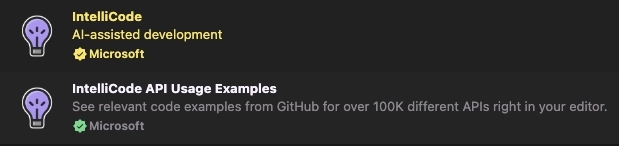
Both IntelliCode and IntelliCode API Usage Examples are extensions from Microsoft that provide AI-assisted development and access to code examples from GitHub. These extensions currently support Python, TypeScript and JavaScript.
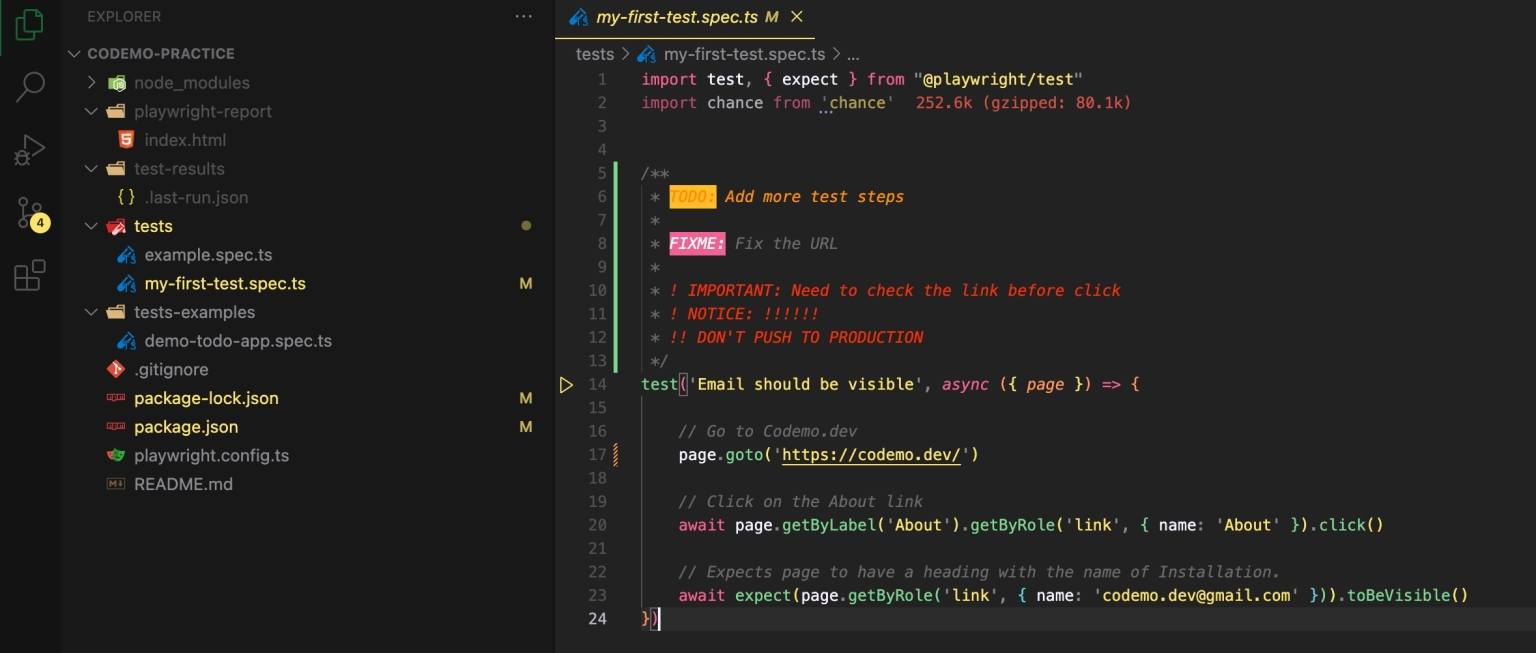
Better Comments
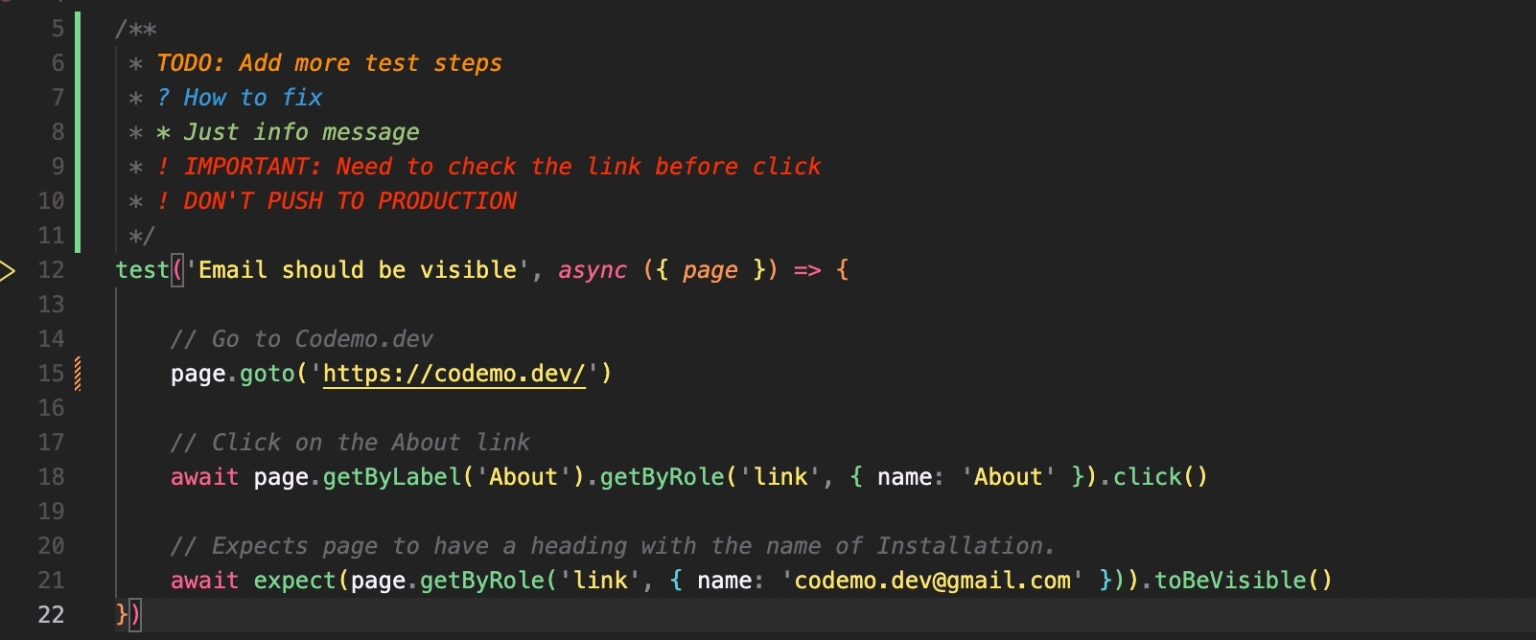
Make your comments stand out with the Better Comments extension. This helps highlight comments in different colors to make them more readable.

Doxygen Documentation Generator
Save time writing function documentation with the Doxygen Documentation Generator extension. Simply type /** above your function and it will generate the basic documentation of that function (such as attributes, parameters, return value ...).

Code Spell Checker
Catch common spelling errors with Code Spell Checker.

Import Cost
Import Cost shows the size of imported packages in the editor. This is useful for tracking package sizes to prevent the bundle from getting too large.


ESLint
Only for JavaScript The ESLint extension highlights errors in your code and provides suggestions for fixing them.

Git commit message helper
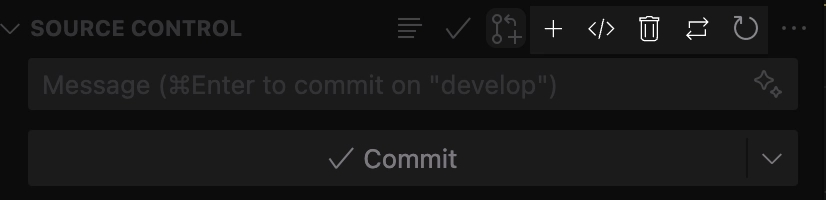
Git Commit Message Helper adds icons to VS Code's Source Control view to help you quickly add prefix commit messages with values from current branch names to make your commit messages more meaningful and consistent.

Example: When working on a branch
feature/1234and add new something, just clicking the + icon will addfeature/1234: Addedto your commit message.
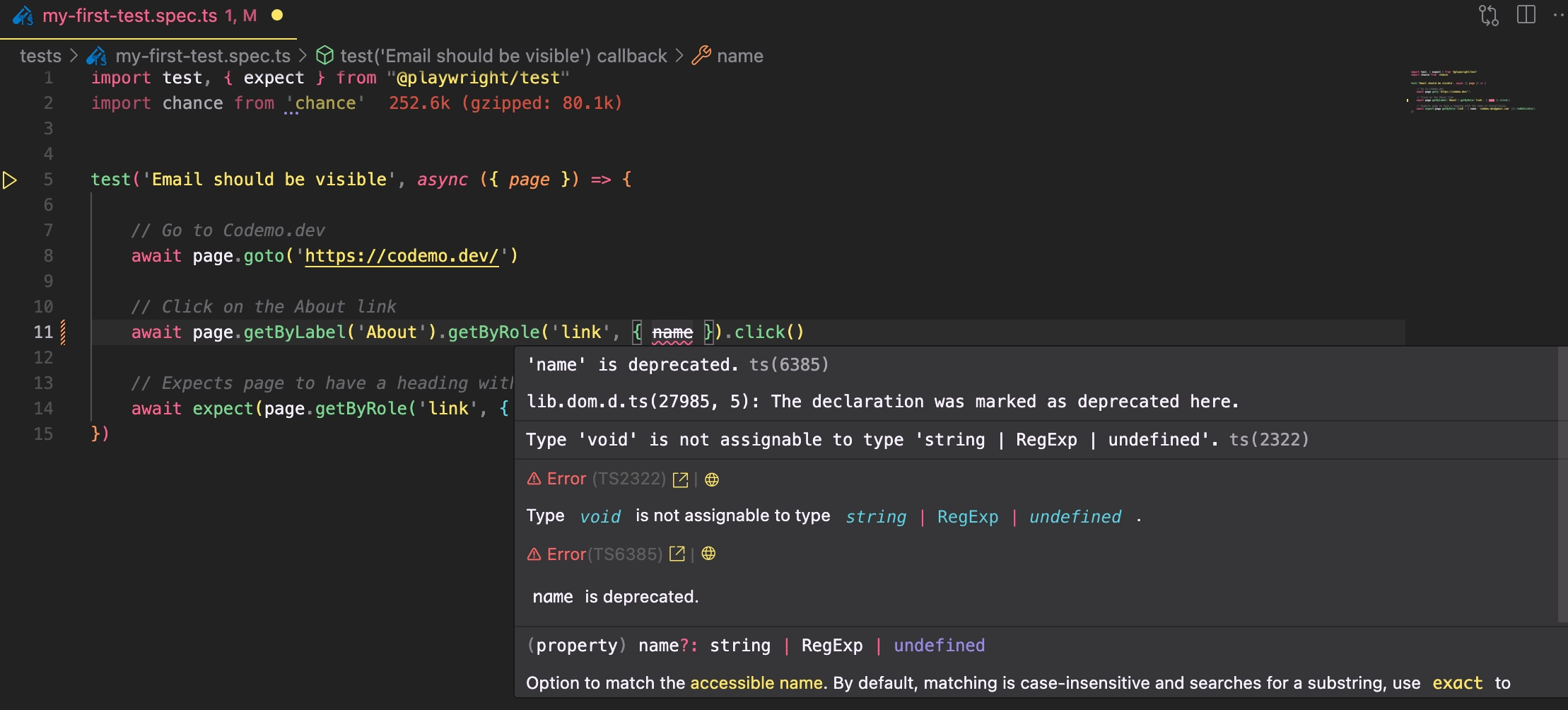
Pretty TypeScript Errors
For TypeScript, the Pretty TypeScript Errors extension makes TypeScript errors more readable.

Playwright Test for VSCode
Playwright Test for VSCode adds a test runner to the VS Code menu bar. This extension is valuable for Playwright end-to-end testing, helping you run tests, debug, generate setups, configure multiple settings, and more.

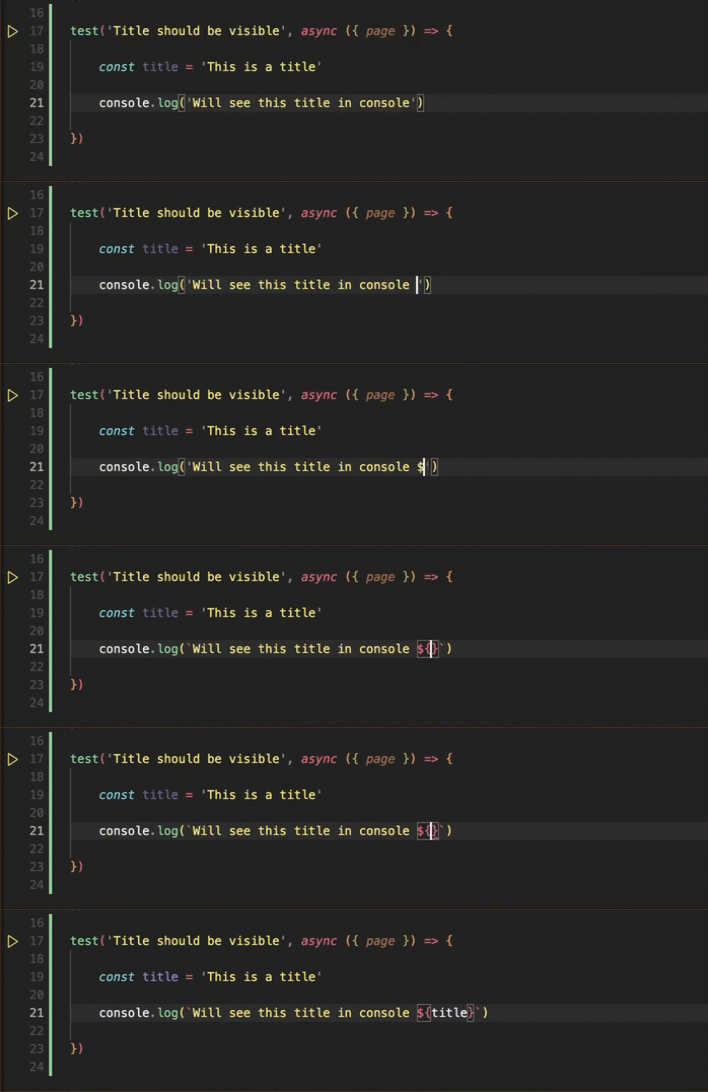
Template String Converter
The Template String Convert extension saves time by converting between regular strings and template strings.

Turbo Console Log
If you dislike writing console.log repeatedly for debugging, the Turbo Console Log extension autocompletes console.log with meaningful messages.

(Theme and Icon) Monokai & vscode-icons
I use the Monokai theme and vscode-icons extension to enhance VS Code's appearance. Many themes and icons are available in the marketplace – choose what suits you best.


Happy coding! ✨